English
  Turkish
  Deutsch

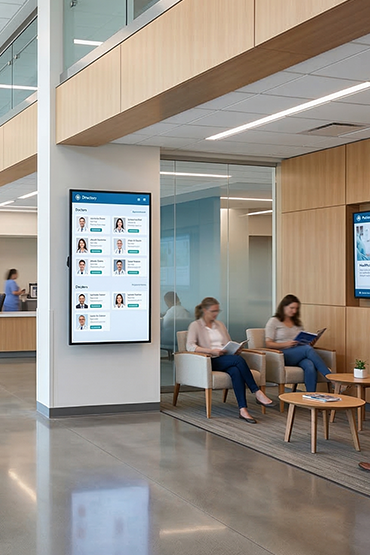
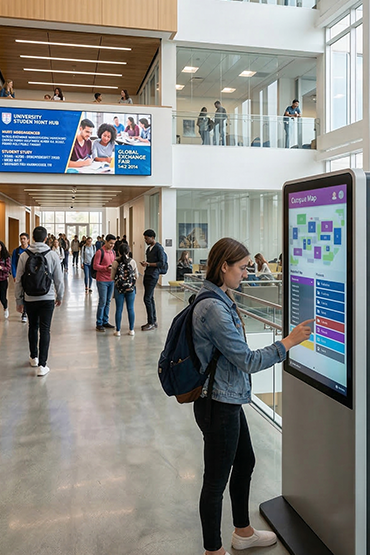
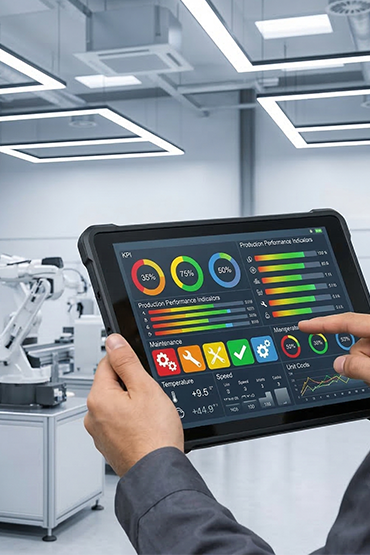
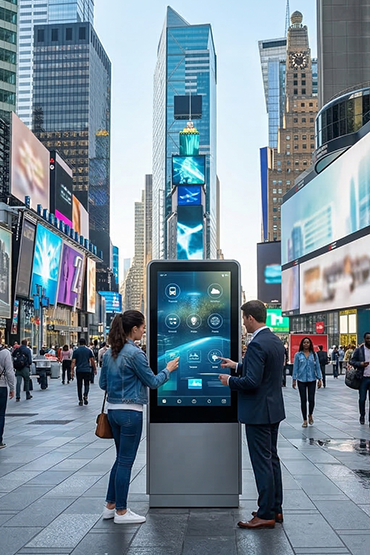













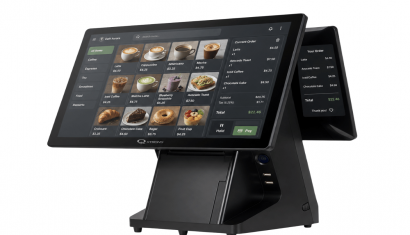
All-in-One Android Display
It is a compact digital display solution that adapts to different usage scenarios with wide screen size alternatives and an Android-based integrated structure. Thanks to its wide product family ranging from 10.1” to 65”, it offers flexible use in both small-area applications and larger communication surfaces.
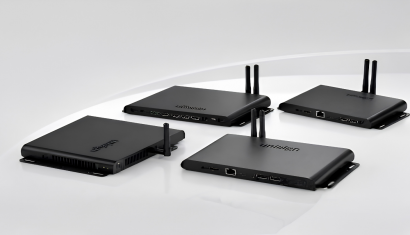
Eliminating the need for an external media player thanks to its built-in Android operating system, the structure allows contents to be managed directly on the screen. With Wi-Fi connectivity and pre-loaded CMS support, contents can be updated remotely, which provides the advantage of central control in multi-screen installations.
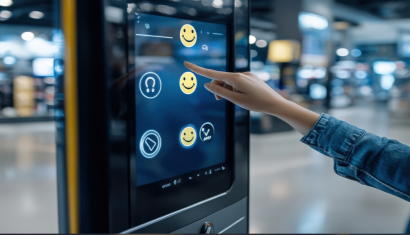
Thanks to its high brightness and balanced image performance, contents can be perceived clearly from different angles. With optional touch screen support, the product goes beyond being just a viewing tool and becomes suitable for interactive applications as well.
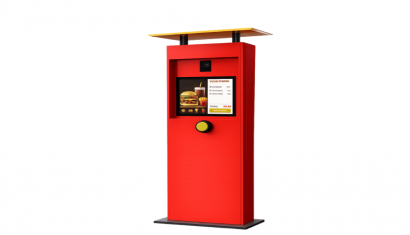
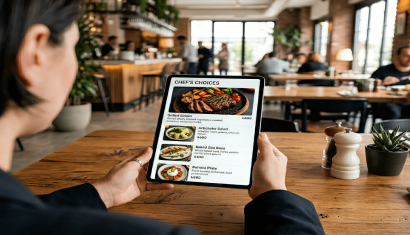
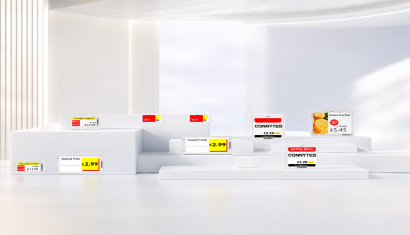
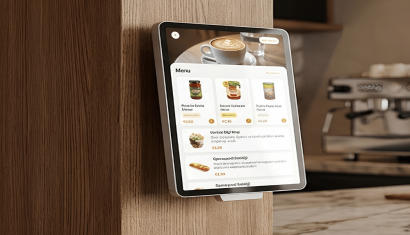
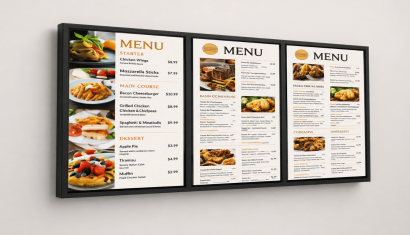
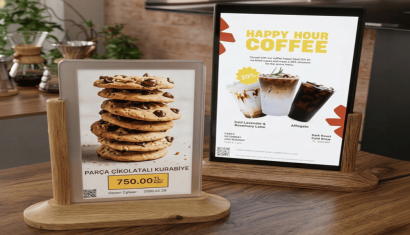
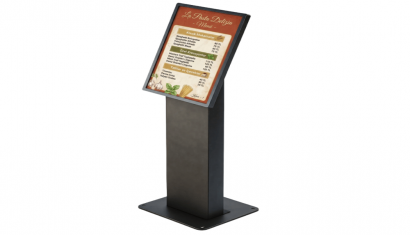
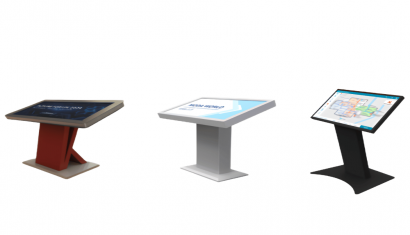
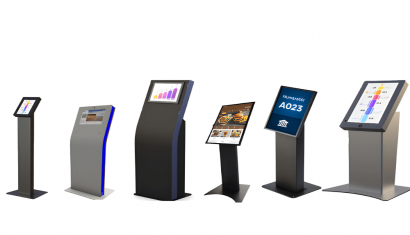
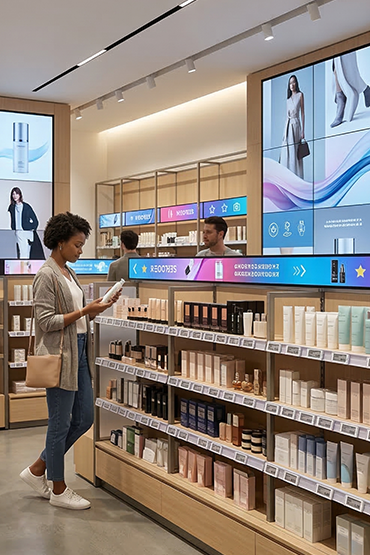
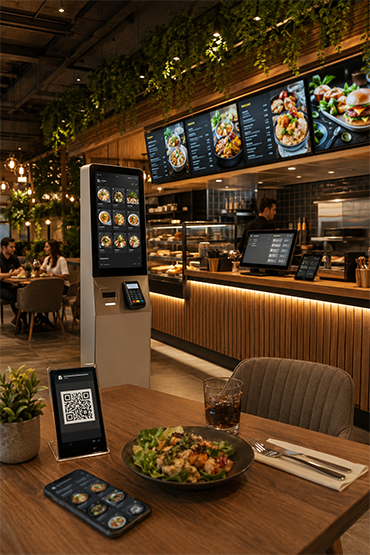
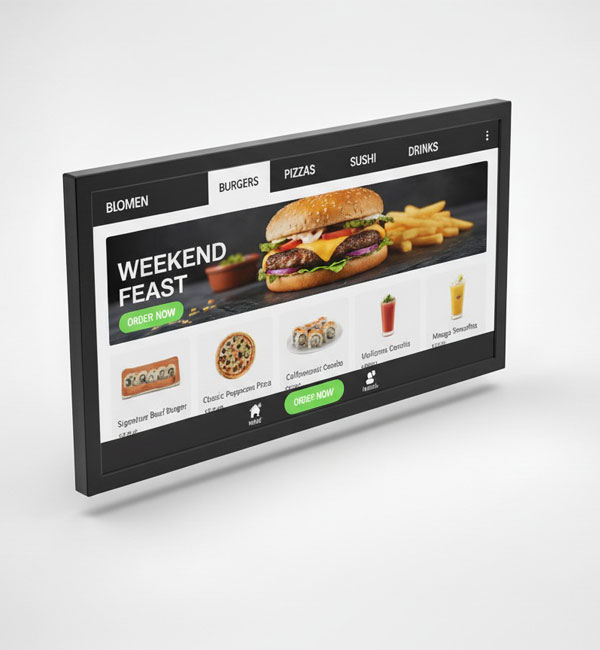
Combining its wide product family with a compact and elegant design approach, the system offers a flexible and effective solution in many different scenarios such as countertop information areas, kiosk interfaces, shelf-edge applications, and digital menu boards.
Highlighted Features
- Wide screen size options from 10.1” – 65”
- Full HD resolution support
- Model-based resolution alternatives
- High brightness level
- Clear image performance
- Built-in Android operating system
- All-in-One usage structure
- Remote content management with Wi-Fi connectivity
- Pre-loaded CMS support
- Optional touch screen support
- Industrial structure for 24/7 commercial use
- Compact and modern design
- Wall, kiosk, and desktop mounting support
- Structure suitable for multi-sector use
Specify the display and application as one system
For an interactive information point in Germany, document the intended user journey alongside the hardware specification. Define which information is displayed, how it is updated and what must happen after a touch input. This creates a practical basis for assessing an Android all-in-one display against a PCAP monitor connected to a separate host.
Interactive display integration depends on the selected application and configuration. Identify the operating system, required interfaces and any connections to existing information systems before procurement. The Android range includes optional touch configurations; confirm that the chosen model includes the required touch function. An integrated operating system and CMS do not establish compatibility with every interactive application.
Agree a technical acceptance process for DACH sites
Use the intended software and content to test input accuracy, readable text, orientation and the complete navigation path. Record the selected screen size, mounting arrangement and cable connections. For a PCAP installation, review the host device and USB touch connection as well as the video signal. Keep the agreed configuration with the project documentation so that later equipment choices can be checked consistently.
For projects spanning Germany, Austria, Switzerland or other European locations, separate shared hardware requirements from each site's language, content and operating responsibilities. Include the people responsible for the application, network and daily use in the review. Discuss your interactive display requirements with Unisoft to establish which hardware configuration and integration checks belong in the project scope.
PCAP Touch Monitor
It is a professional display solution featuring PCAP technology, developed to offer a high-precision touch experience. Easily adapting to different application areas with its compact design and wide screen size alternatives, the system provides a fast and fluid user experience in scenarios where user interaction is critical.
Providing reliable performance in environments requiring intensive use thanks to its durable glass surface and multi-touch support, the device offers an ideal infrastructure for kiosk systems, automation solutions, and self-service applications.
Easily integrated into different systems with its wide connectivity options and plug & play structure, this product offers a flexible solution in both standalone use and integrated projects. It adapts to different installation needs thanks to its portrait and landscape usage support.
Combining high-precision touch technology with a compact and robust design, the system offers a powerful and user-friendly solution for kiosk interfaces, industrial control panels, retail interaction points, and self-service applications.
Highlighted Features
- Wide screen size options from 10.1” – 65”
- PCAP Projected Capacitive multi-touch screen
- High touch sensitivity
- Fast response time
- Industrial durable glass surface
- HDMI, USB, and other connection options
- Plug & play ease of use
- Landscape and portrait usage support
- Structure suitable for 24/7 commercial use
- • Compact and modern industrial design
- Structure suitable for kiosk applications
- Ideal solution for automation and interactive usage scenarios
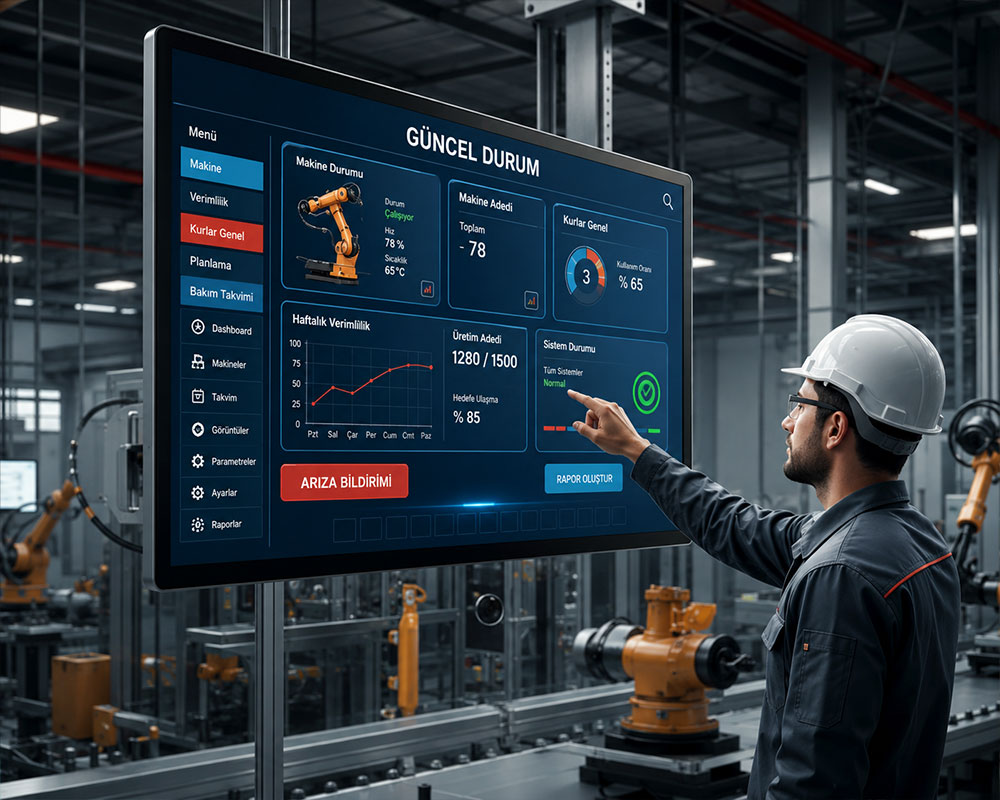
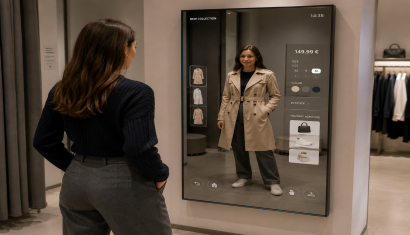
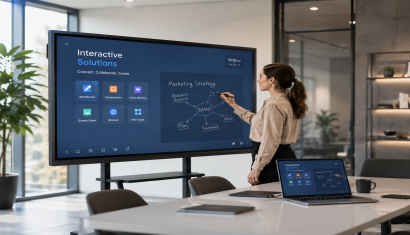
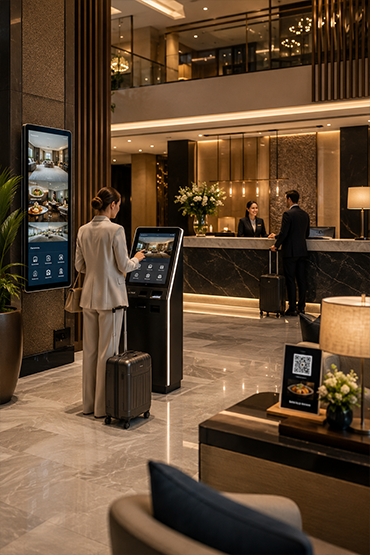
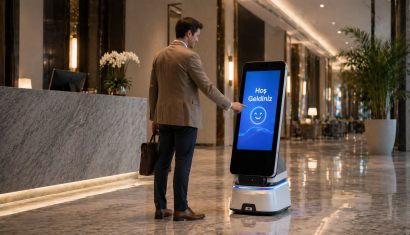
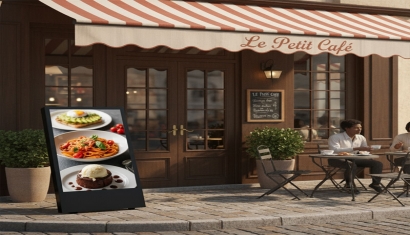
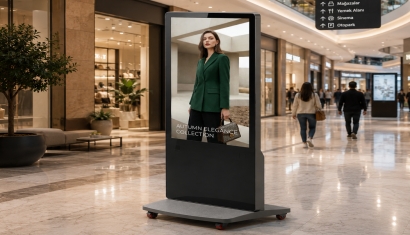
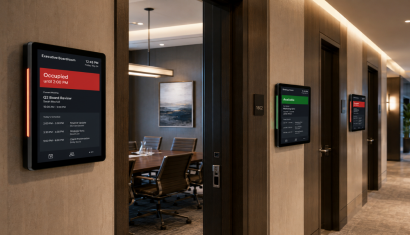
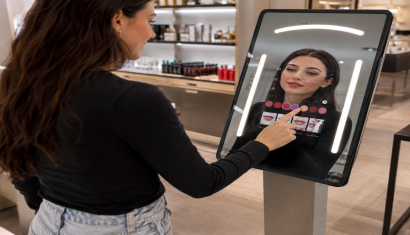
Interactive Displays is a professional solution used for retail, education, showrooms, corporate spaces and information points for user-driven digital content. The correct setup should be defined by evaluating the use case, target users, installation environment and required software/hardware components together.
Interactive Displays can be considered for retail, education, showrooms, corporate spaces and information points for user-driven digital content. Viewing or interaction distance, operating hours, physical placement and operational requirements should be reviewed before deployment.
An interactive display allows users to control content through touch or another input method. Standard signage is mainly one-way communication; interactive experiences also require suitable software.
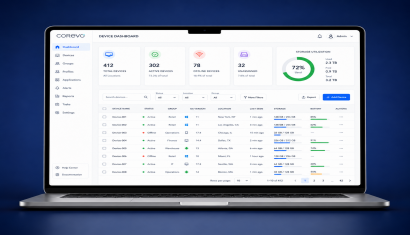
With suitable software, network connectivity and integration infrastructure, Interactive Displays can be included in centralized management or third-party data workflows. Supported connections and integrations should be verified against product documentation and the project scope.
Pricing can vary according to model and hardware configuration, display or device size, software/licensing requirements, peripherals, integrations, installation, quantity and support scope. A project-specific quotation is more accurate once the use case is defined.
Briefly share your needs and our expert team will analyze the most suitable solution for you. We can schedule a project-specific demo, prepare a detailed quote, or review your technical questions together. We will contact you as soon as possible.


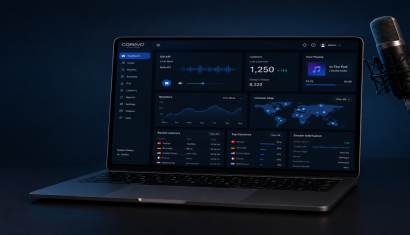
.png&w=410&h=235 "DSFeed Content Management and Monitoring Service")