English
  Turkish
  Deutsch














Define the role of stationary self-checkout
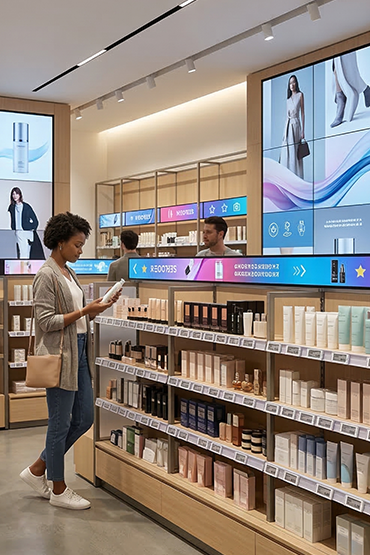
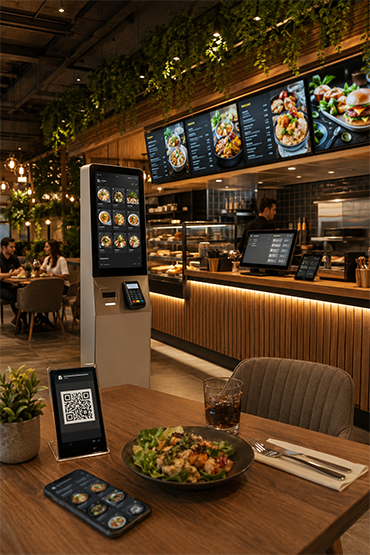
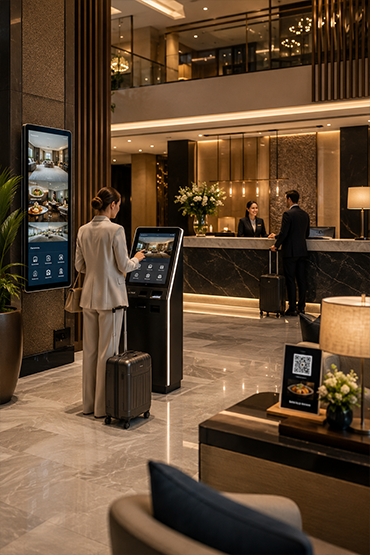
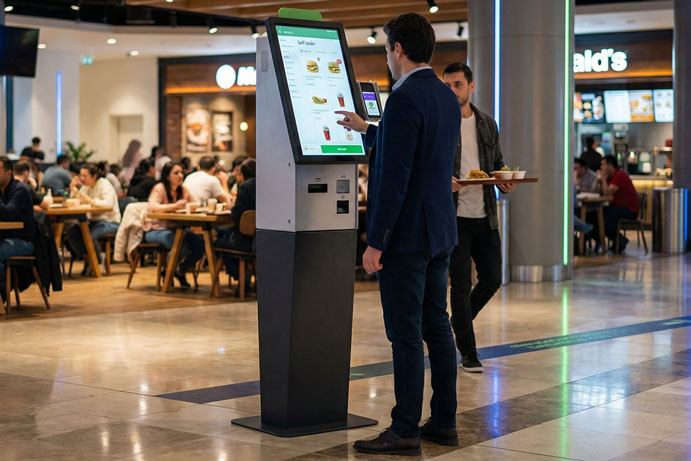
For retail organisations in Germany and the wider DACH region, the first decision is the checkout concept. At a stationary self-checkout, customers scan their purchases at a fixed point in the store. Mobile self-scanning, where items are registered while shopping, is a different workflow and should be evaluated separately.
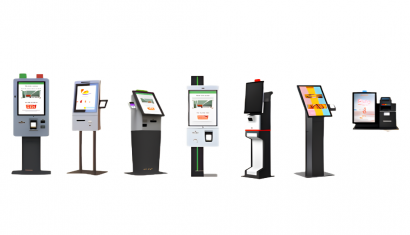
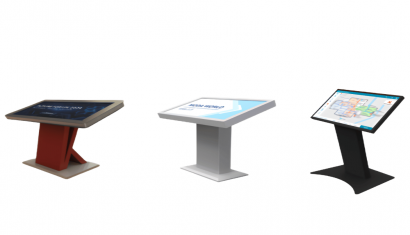
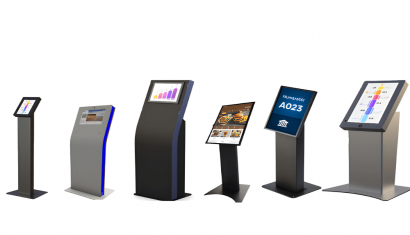
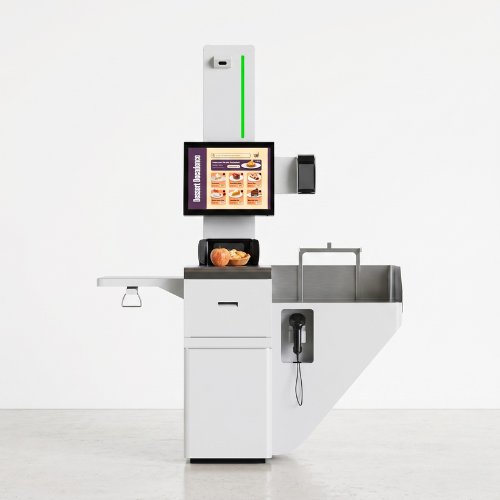
Unisoft’s kiosk range provides a starting point for the stationary format. The Bursa configuration includes a barcode reader, product weighing unit and thermal receipt printer, with 19-inch or 21.5-inch touchscreens.
Define which transactions the station needs to handle and which remain assisted. For European projects, establish the software, payment and country-specific requirements before finalising the configuration. This page is an English-language starting point for that assessment.
Compare configurations against the merchandise mix
A checkout specification should reflect the goods a retailer sells. Product dimensions, barcode placement and the use of weighed items all affect the sequence of scanning and payment. Grocery and other retail formats may therefore require different peripheral arrangements even when the display looks similar.
The Mersin option offers 21.5-inch and 23.8-inch displays, integrated barcode scanning and a weighing system. Payment infrastructure forms part of the project configuration; the relevant devices and interfaces need to be confirmed.
Build an evaluation list around actual product samples and representative purchases. Document how the selected setup handles each case, including situations that need staff support. This makes the comparison useful to both store operations and the technical team.

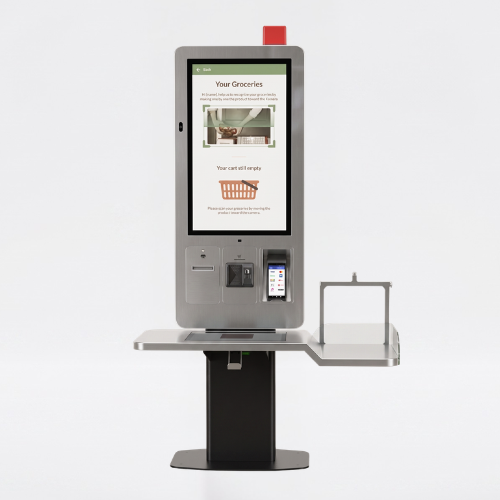
Specify the customer interface within the store concept
Across a European store network, checkout layouts and customer needs can differ. The display, scanning position and space around the station should be assessed together. Review the languages and customer instructions required at each location with the chosen software supplier.
The Samsun hardware offers 27-inch or 32-inch screens and an optional double-sided display arrangement. Barcode scanning, weighing and payment infrastructure are described in the range. A second display is a hardware option; the content and software that use it require their own specification.
Evaluate the complete self-service journey, from approaching the station to taking the receipt. Record where intervention is needed and how staff can reach the customer, rather than relying on display dimensions as a proxy for usability.
Fit self-service into an existing retail footprint
Introducing a kiosk during a store refit involves more than replacing a counter. Retail teams need to consider customer circulation, space for purchases and access for day-to-day operation. A compact format can be considered where the checkout zone is limited.
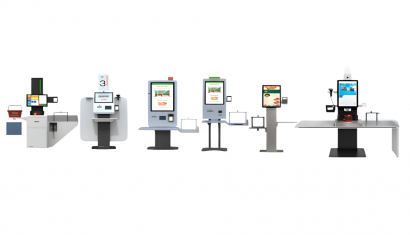
The Aydın configuration is intended for smaller retail areas and offers 17-inch or 19-inch screens, barcode scanning and a product weighing unit. Check the full dimensions and the proposed payment hardware against the site plan.
For an organisation comparing several store types in Germany or DACH, separate the common requirements from the constraints of each site. A layout approved for one location should not automatically become the specification for the entire estate.
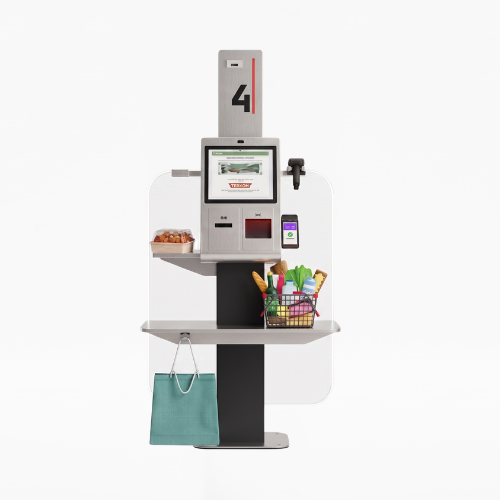

Use a pilot to define a repeatable European deployment
A multi-site evaluation needs a clear record of what has been tested. Agree acceptance criteria for transaction completion, customer assistance, peripheral operation and connectivity. Review the results with retail operations and IT before committing to additional locations.
The Rize option combines 21.5-inch or 23.8-inch displays with adjustable trays, a bagging area and desktop or floor-standing configurations. These choices help frame the physical specification; software connections and payment support must be established separately.
For a Germany-led project extending to other European markets, document local requirements, installation responsibilities and the support scope for each country. Central management is dependent on the selected software and infrastructure. Send your store and system requirements to Unisoft to discuss the project specification.
Stationary self-checkout registers purchases at a fixed checkout station. Mobile self-scanning registers goods while the customer moves through the store, for example using a handheld device or app. This kiosk page focuses on the stationary approach; mobile scanning support requires separate confirmation.
Describe the store formats, merchandise, proposed locations, required customer languages and current POS environment. Include payment, receipt and any country-specific requirements so that the hardware and software scope can be evaluated together.
Review the checkout application, POS data connections, payment terminal, scanner, printer and any weighing equipment in the proposed configuration. Ask for confirmation of compatibility and responsibilities for integration testing. A kiosk enclosure alone does not establish support for a specific POS platform.
A common hardware specification may be a useful starting point, but each store format and market needs review. Layout, customer language, payment arrangements and local requirements can differ. Use a pilot to establish what can be repeated and what needs a site-specific adjustment.
Compare the complete project scope, including hardware, software licences, peripherals, integration, installation and ongoing support. Document replacement and maintenance responsibilities as well as the initial purchase price. Request a quotation based on an agreed specification and deployment quantity.
Briefly share your needs and our expert team will analyze the most suitable solution for you. We can schedule a project-specific demo, prepare a detailed quote, or review your technical questions together. We will contact you as soon as possible.




.png&w=410&h=235 "DSFeed Content Management and Monitoring Service")