English
  Turkish
  Deutsch

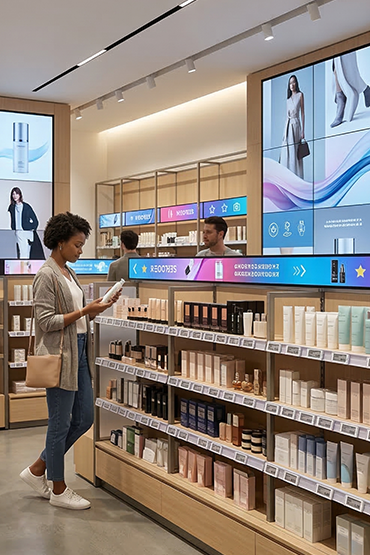
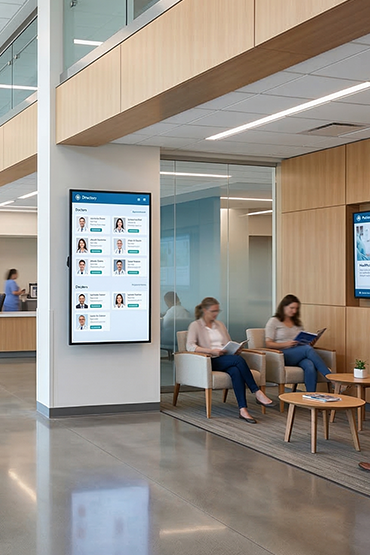
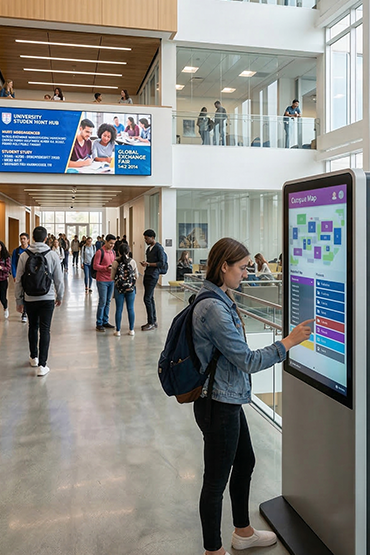
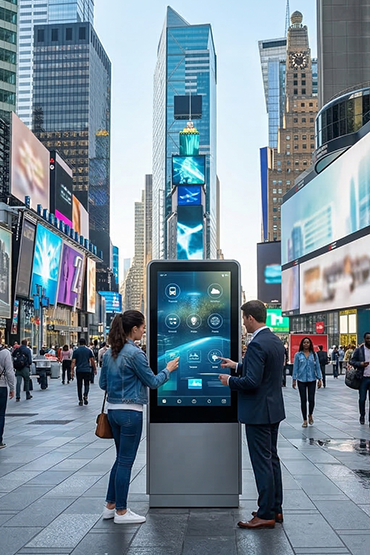














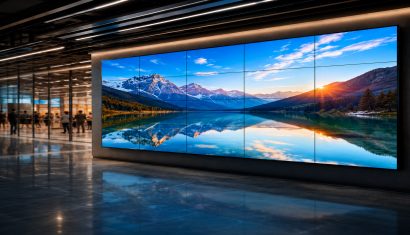
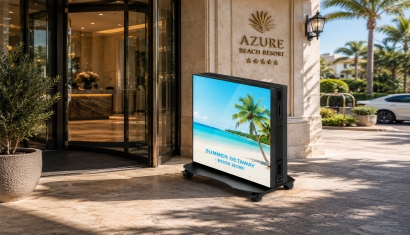
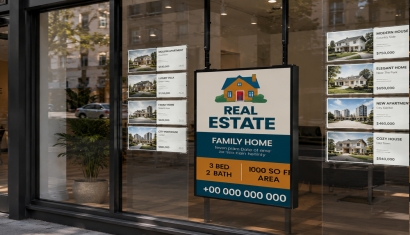
Choosing a storefront display is not simply about creating a larger picture. Passing customers need to notice the product, price or offer from the intended position. The relationship with the glass, changing daylight, mounting direction and content design should therefore be evaluated together.
Before selecting a window LED display or high-brightness LCD, define the installation. This guide provides questions for a site survey and product comparison, rather than assuming one screen specification will fit every storefront.
Observe the window as customers see it
Review the same location from outside in the morning, midday and evening. Could a sign, tree or displayed merchandise block the screen? From which direction do customers approach, and how far away are they? Record these observations with photographs and short notes.
Include glass colour, coating and reflections in the test. A demonstration viewed from inside the shop may not establish readability from the pavement. Provide external photographs alongside window measurements when discussing the project.
Do not select by brightness alone
High-brightness models are available for window-facing use, including Samsung's OMN range. A brightness figure specified for one product should not be treated as the minimum requirement for every retail location.
Test small prices and promotional text alongside the product image. Repeat the check when the angle of sunlight changes. Assess whether the same brightness is appropriate after dark, and ask whether the selected model supports automatic or scheduled adjustment.
Separate behind-glass from outdoor operation
Evaluate a screen behind glass separately from one directly exposed to weather. Check the specified operating environment rather than making a selection on brightness alone.
Samsung identifies OMN for window applications and OHA-S for full-outdoor use.
Do not accept the phrase semi-outdoor as a complete technical specification. Request the permitted environment, temperature and protection details. For a screen placed outside the storefront, assess suitable outdoor LED displays or an appropriately specified outdoor LCD solution separately.
LCD or LED poster?
Ask for the display technology to be stated in the quotation instead of relying on the word LED in the product name.
In Direct View LED modules, the LEDs form the image pixels.
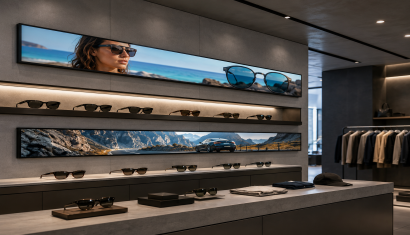
Compare working samples using viewing distance, content detail, available dimensions and budget. Small-text information and a large promotion viewed from farther away may have different requirements. When considering window-oriented products within an indoor LED display range, confirm that their operating conditions match the site.
Plan for heat, ventilation and maintenance
Do not treat the area behind glass as identical to an ordinary cool room. Check conditions throughout the day against the permitted operating temperature. Follow installation guidance for ventilation clearances and do not block required space with decorative cladding.
Decide how servicing will be performed before choosing the final enclosure. Survey the supporting surface, cable route and electrical supply. Mounting should be completed by qualified teams and comply with the installation requirements of the selected equipment.
Design for a moving audience
Try one product or one offer as the primary window message. Avoid allowing many products, small descriptions and scrolling text to compete on the same surface. Test readability from the customer's path, not only on the office computer.
Create separate layouts for portrait and landscape displays. Where a QR code is proposed, check the actual destination and scanning distance. The intended customer action should be clear; displaying a code does not explain why someone should scan it.
Compare complete storefront proposals
Compare dimensions, technology, brightness, operating conditions, orientation and warranty within one scope. Show players, software, supports, cabling and installation as separate lines. Also distinguish initial content design from recurring updates.
Review window displays to explore the product group and discuss suitable configurations for the site. A useful brief combines measurements, daytime photographs, viewing distance, operating hours and sample campaign material. The goal is to compare a solution for the conditions, not merely a display specification.
Frequently Asked Questions
Is every high-brightness display suitable outdoors?
No. Brightness and environmental protection are different characteristics. Check permitted installation, protection and temperature requirements separately.
Is one brightness figure enough to select a window display?
No. Test with the actual glass, sunlight, content and viewing distance, and review the model-specific operating conditions.
Can an ordinary TV be installed behind glass?
Assess temperature, visibility, operating hours, orientation and warranty first. A good view from inside does not prove readability from outside.
Should the storefront use LCD or an LED poster?
Compare actual content, dimensions, detail, distance, mounting and cost together. Do not rely only on the marketing name of the product.
What should accompany a quote request?
Provide dimensions, day and evening photographs, sunlight conditions, mounting space, hours and sample content, together with power and service-access information.

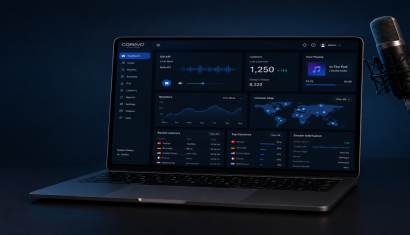
.png&w=410&h=235 "DSFeed Content Management and Monitoring Service")